How to use NFC on Android devices
Many smartphones are equipped with NFC, but many do not know how to use it. NFC is a technology that allows wireless communication between phones. Files with NFC Phone numbers; Sending and receiving locations; You can even refer a friend to the app on your phone and even make payments.NFC
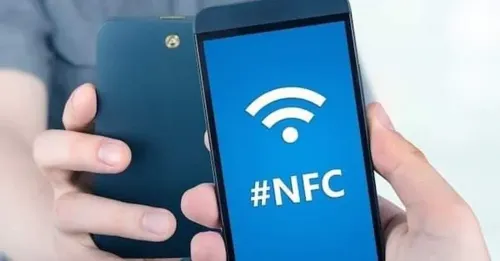
NFC stands for Near Field Communication. NFC allows two phones to connect at close range. Can be connected within 4 cm Two-way communication between two phones. Wifi, You can use it without mobile data.Does your Android have NFC? How do you know?
Go to your phone’s Settings> Wireless & Networks and see if there is NFC option. You can tell if it is. Most NFC-enabled phones have an NFC logo on the back.
Enabling NFC
To connect two phones with NFC, you need to enable NFC and Android Beam in the settings of both phones. Then just open the photo or file you want to send and place the two phones side by side. You don’t even need to use the Send Via option. When asked if you are sure you want to send the file, click the Touch to Beam button. Send files via NFC You can also use an app like File Beam to download it. File Beam is simpler to use and allows you to transfer files faster between two phones.1. Send phone number
If you want to give someone your phone number or someone in your contact, give it to them by word of mouth. No more typing. Open your Contacts. Click on the contact you want to send. Hold the two phones back to back and tap Touch to Beam.2. Send a photo
You can send photos between two phones with NFC. Open the photo with your favorite app and put the two phones back to back.3. Submit the document
This method works a little harder. For example, when you send a PDF file that you are reading, it sends the PDF reading app. To do this, you need to use Android Beam to send documents. Hold down the file and tap Menu. Select Android Beam.4. Navigate to the app on your phone.
You can also use NFC to guide a friend to download an app from your phone in the Play Store. While using the app, you can open the Play Store on your friend’s phone and display the app as soon as you have two phones back to back.